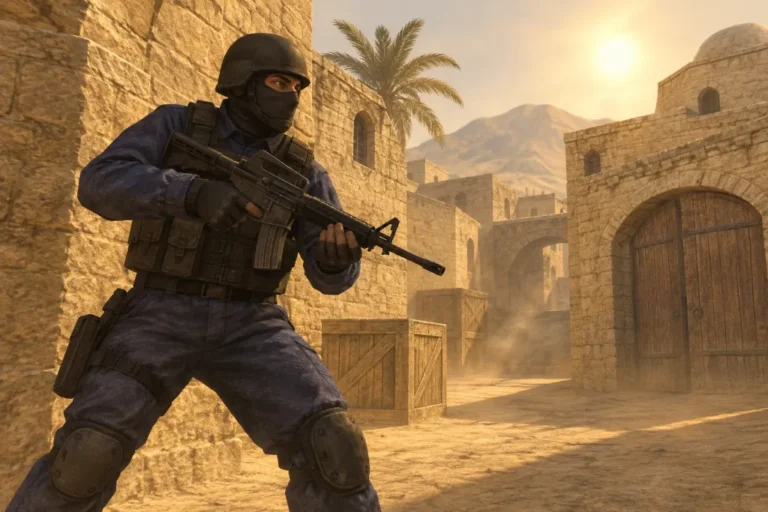


Download
Counter-Strike 1.6 –
The Original Clean
Game Client
Counter-Strike 1.6 –
The Original Clean
Game Client

Why Choose Our Version?
- 100% clean installer – no viruses, spyware or bundled extras
- Works on Windows 11, 10, 8.1 and 7
- Quick and simple setup – ready in a couple of clicks
- Authentic gameplay – no unwanted changes or modifications

About the Game
Easy to learn, hard to master, CS 1.6 remains one of the most popular shooters worldwide, with thousands of active servers and a community that never sleeps.
Safe. Fast. Free
CS 1.6 Versions
- Original CS 1.6
- CS 1.6 Warzone
- CS 1.6 Non-Steam

Counter-Strike 1.6 download for Windows – what you get
CSDownload.eu offers one thing and does it properly: a clean Counter-Strike 1.6 download that installs the classic game exactly as players remember it. No launcher, no toolbar, no “recommended software” hidden in the installer and no binds that change your config the moment you join a server.
The setup installs the full game with the original maps, weapons, models and sounds. It is a non-steam build, so you do not need a Steam account to play. Bots are included for offline practice, and the server browser is filled with live CS 1.6 servers, so you can go online straight after the install.
Download CS 1.6 setup Download via torrent
Why players choose this CS 1.6 version
- Clean installer. Only the game is installed. Nothing runs in the background after you close it.
- Protocol 48. The newest CS 1.6 protocol, which joins both older and newer servers.
- Working server list. “Find servers → Internet” shows real servers with players, not an empty list.
- Bots on every map. Warm up offline or play when your connection is slow.
- Tuned network settings. Rates and interpolation are set for online play, so you do not have to edit configs.
- Runs on modern Windows. Tested on Windows 11, 10, 8.1 and 7, both 32-bit and 64-bit.
How to download and install Counter-Strike 1.6
- Click Download CS 1.6 setup above and save the file.
- Open the downloaded file. If Windows SmartScreen appears, choose More info → Run anyway. This message is shown for most small game installers that are not signed.
- Pick an install folder such as
C:\Games\Counter-Strike 1.6. A folder outside Program Files avoids permission problems when the game saves settings. - Finish the installation and start the game from the desktop shortcut.
- Set your player name in Options → Multiplayer, then open Find servers and join a game.
The whole process takes about two minutes. More details, screenshots and system requirements are on the CS 1.6 download page.
System requirements
| Minimum | Recommended | |
|---|---|---|
| Operating system | Windows 7 | Windows 10 or 11 |
| Processor | 800 MHz | 1.2 GHz or faster |
| Memory | 128 MB RAM | 512 MB RAM |
| Graphics | 32 MB | 128 MB, OpenGL support |
| Disk space | 650 MB | 750 MB |
In practice, any laptop or desktop from the last fifteen years can hold a steady 100 FPS in CS 1.6, including office PCs with integrated graphics.
Playing CS 1.6 online in Europe
Counter-Strike 1.6 is still played every day across Europe – in Poland, Romania, the Baltic states, the Balkans, Ukraine, Turkey and beyond. Most of the action happens on community servers, each with its own style:
- Public – classic bomb defusal on de_dust2, de_inferno, de_nuke and other standard maps.
- CSDM – deathmatch with instant respawn, ideal for practising aim.
- GunGame – every kill upgrades your weapon until the final knife round.
- Knife, Deathrun, Jailbreak and Zombie – fun modes that keep the game fresh after twenty years.
To find a good server, open Find servers → Internet, sort by latency and choose one with players and a ping under 60 ms. You can also connect directly from the console (~ key) with connect IP:port.
Settings for smooth online play
The setup already uses good values, but if you notice lag, open the console and check these commands:
rate 100000,cl_updaterate 101andcl_cmdrate 101– how often the game exchanges data with the server.fps_max 100– a stable frame rate that matches the server tick.net_graph 3– shows FPS, ping and packet loss while you play.
Turning off V-Sync in your graphics driver also removes input delay.
A short history of CS 1.6
Counter-Strike started in 1999 as a Half-Life modification made by Minh Le and Jess Cliffe. Valve hired the team, and version 1.6 arrived in 2003 together with the launch of Steam. It became the standard for LAN parties, internet cafés and esports for almost a decade. Read more in the timeless legacy of Counter-Strike 1.6, or sharpen your game with our guide to the best weapons in CS 1.6.
CS 1.6 guides
- How to install CS 1.6 on Windows 11 and 10
- CS 1.6 crosshair settings
- CS 1.6 mouse settings and sensitivity
- Useful CS 1.6 key binds
- CS 1.6 aim training
- CS 1.6 maps download
- CS 1.6 Zombie mod
Frequently asked questions
Is this Counter-Strike 1.6 download free?
Yes. The setup is free to download and install. There is no registration, no SMS code and no payment.
Do I need a Steam account?
No. This is a non-steam version that works on its own. The official release from Valve is sold on Steam; both versions can join servers that accept protocol 47/48.
Does CS 1.6 work on Windows 11?
Yes. If the game starts with a black screen, choose OpenGL in Options → Video and update your graphics driver.
Why does my antivirus warn me about the file?
Many antivirus tools flag any unsigned game installer as “unknown”. Download the setup only from the buttons on this site, so you always get the original, unmodified file.
Can I play CS 1.6 with bots offline?
Yes. Choose New Game, pick a map and add bots with the H key or the console command bot_add.