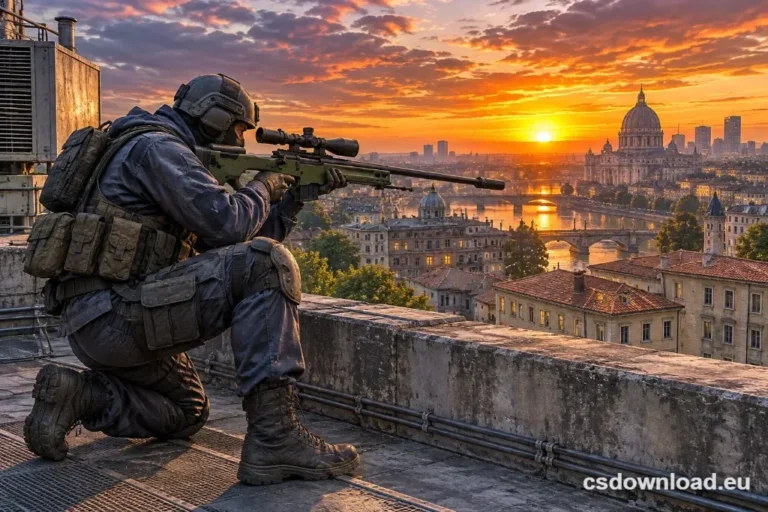
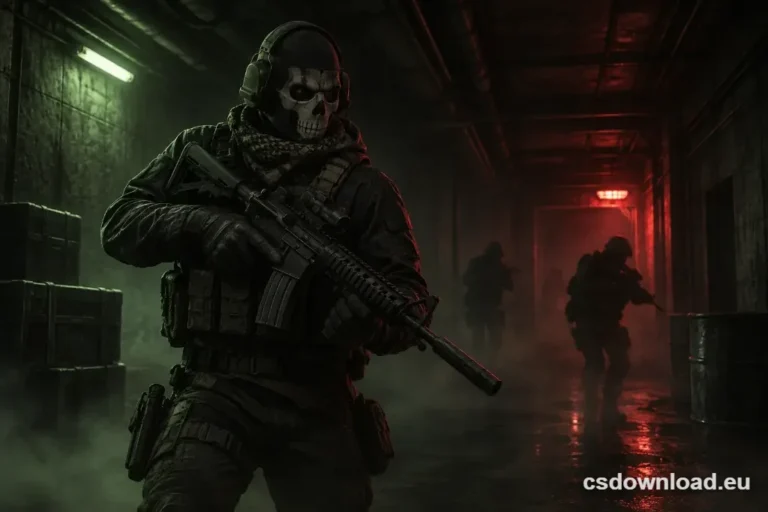
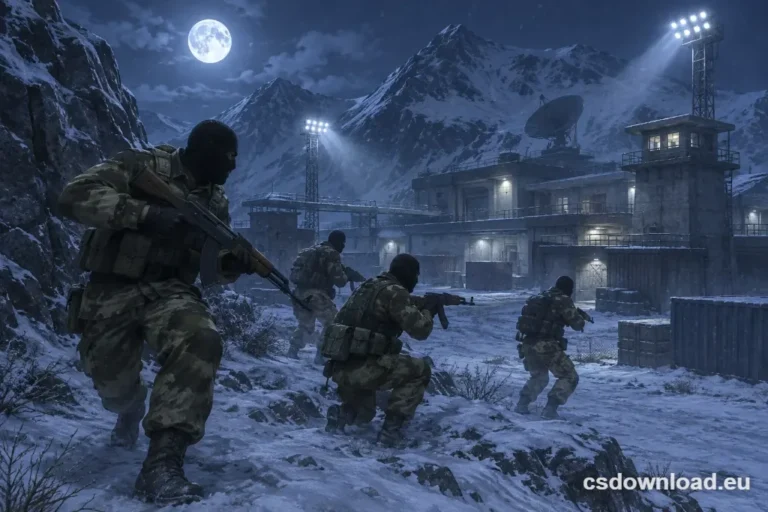
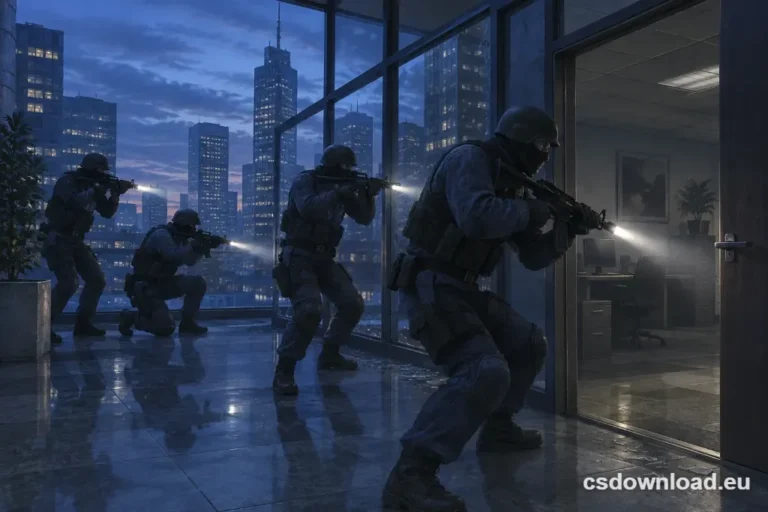


CS 1.6 Warzone Download – Free Fan Edition for Windows
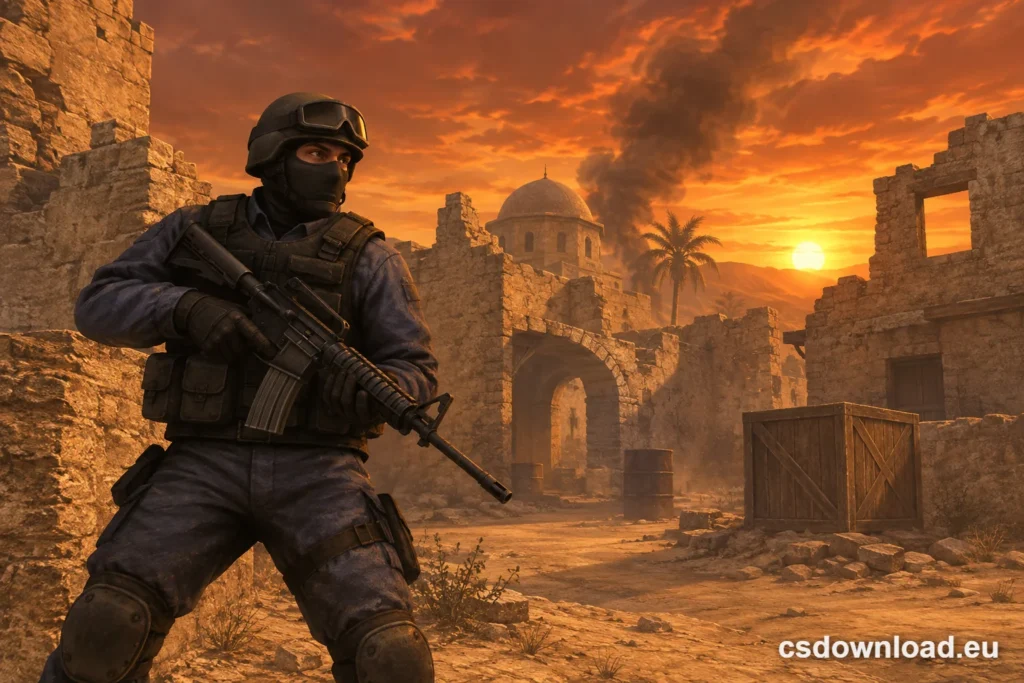
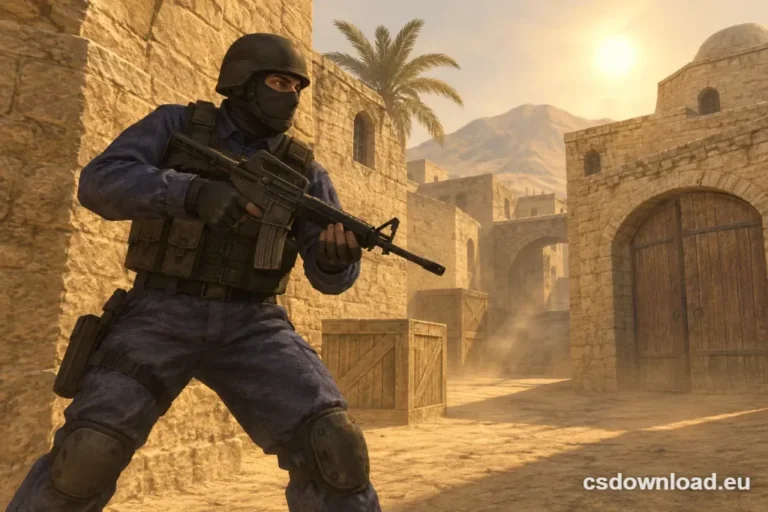
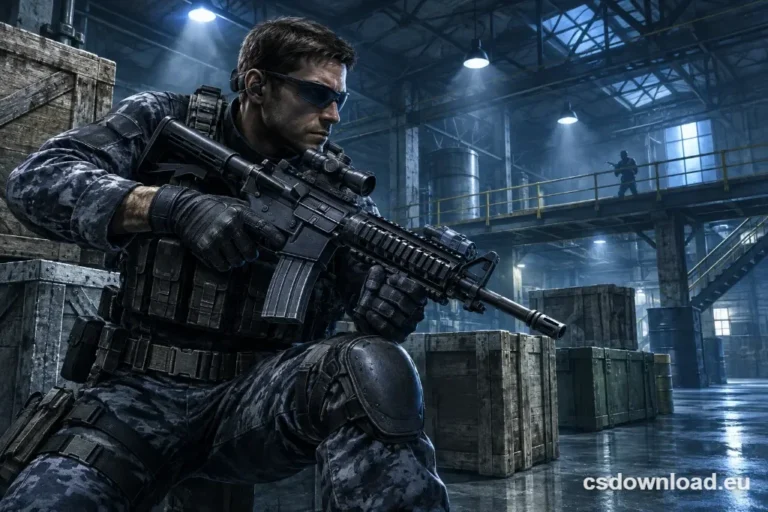
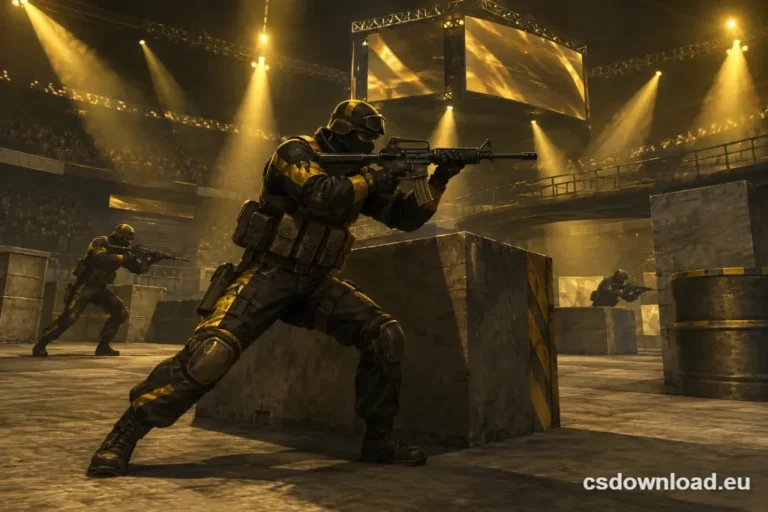
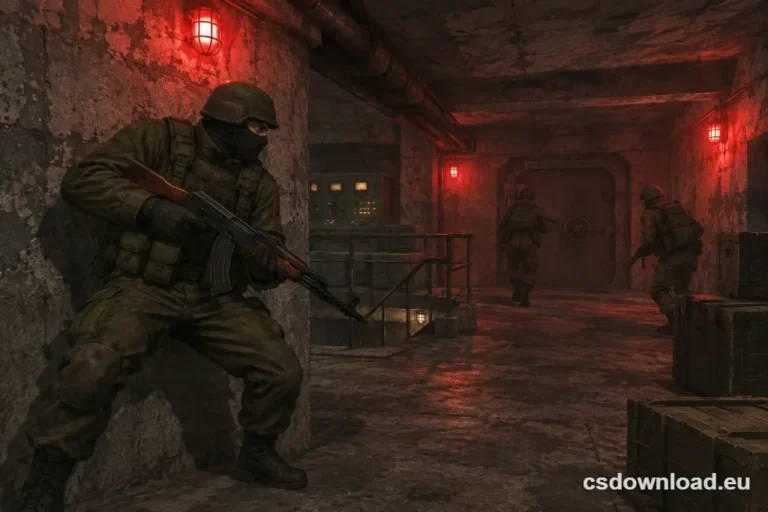
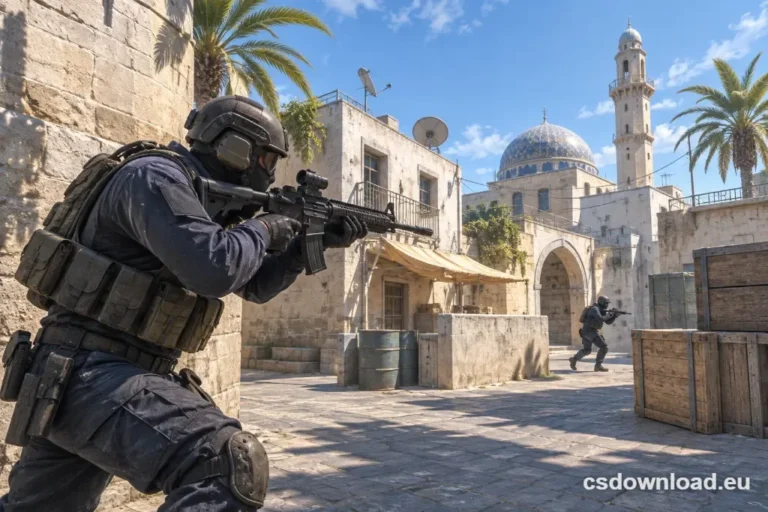
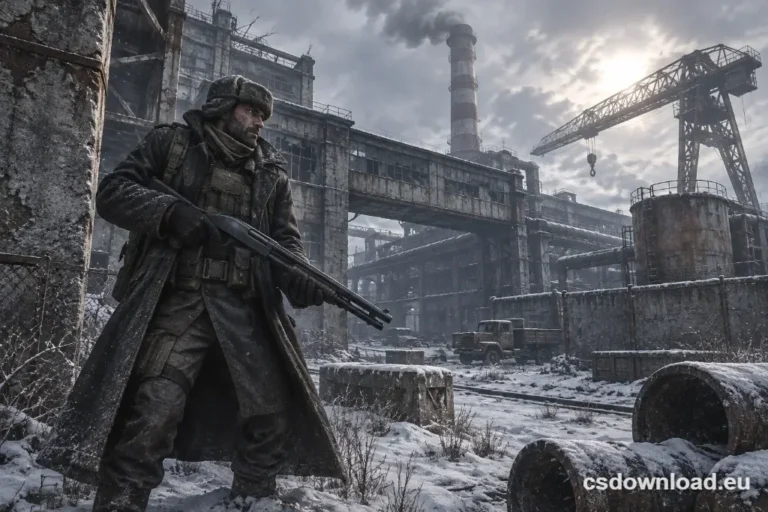
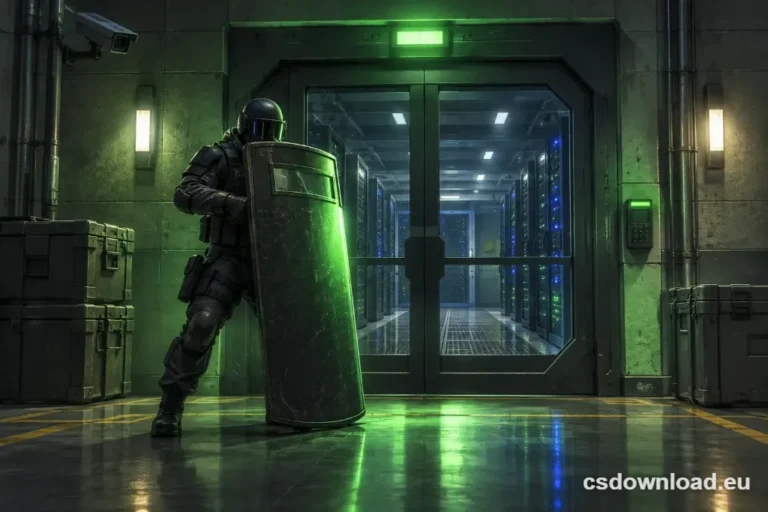
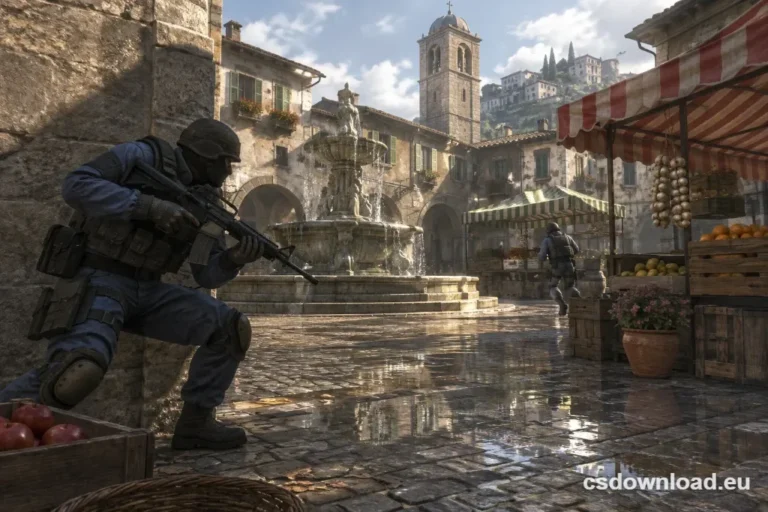
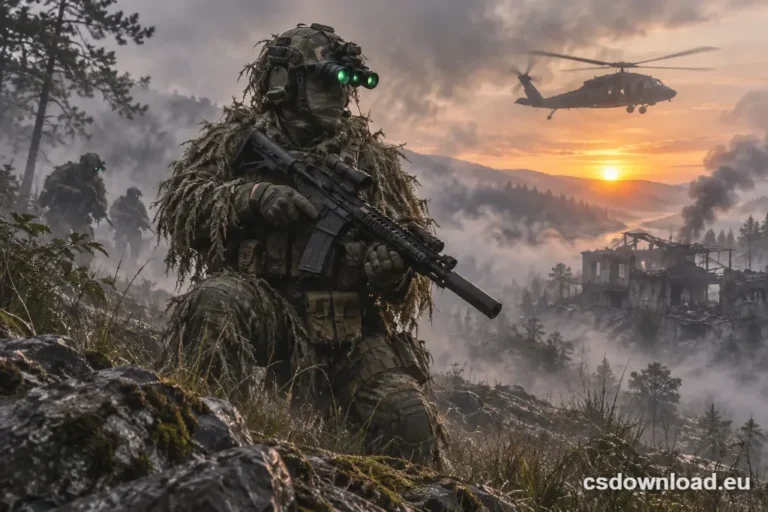
A CS 1.6 Warzone download gives you classic Counter-Strike 1.6 with a fresh coat of paint and almost no extra weight. This edition keeps the familiar maps, recoil and movement. However, it changes the look and feel with its own theme, custom menu, reworked skins and new sounds. So if you want something a little different without learning the game again, Warzone is an easy pick.
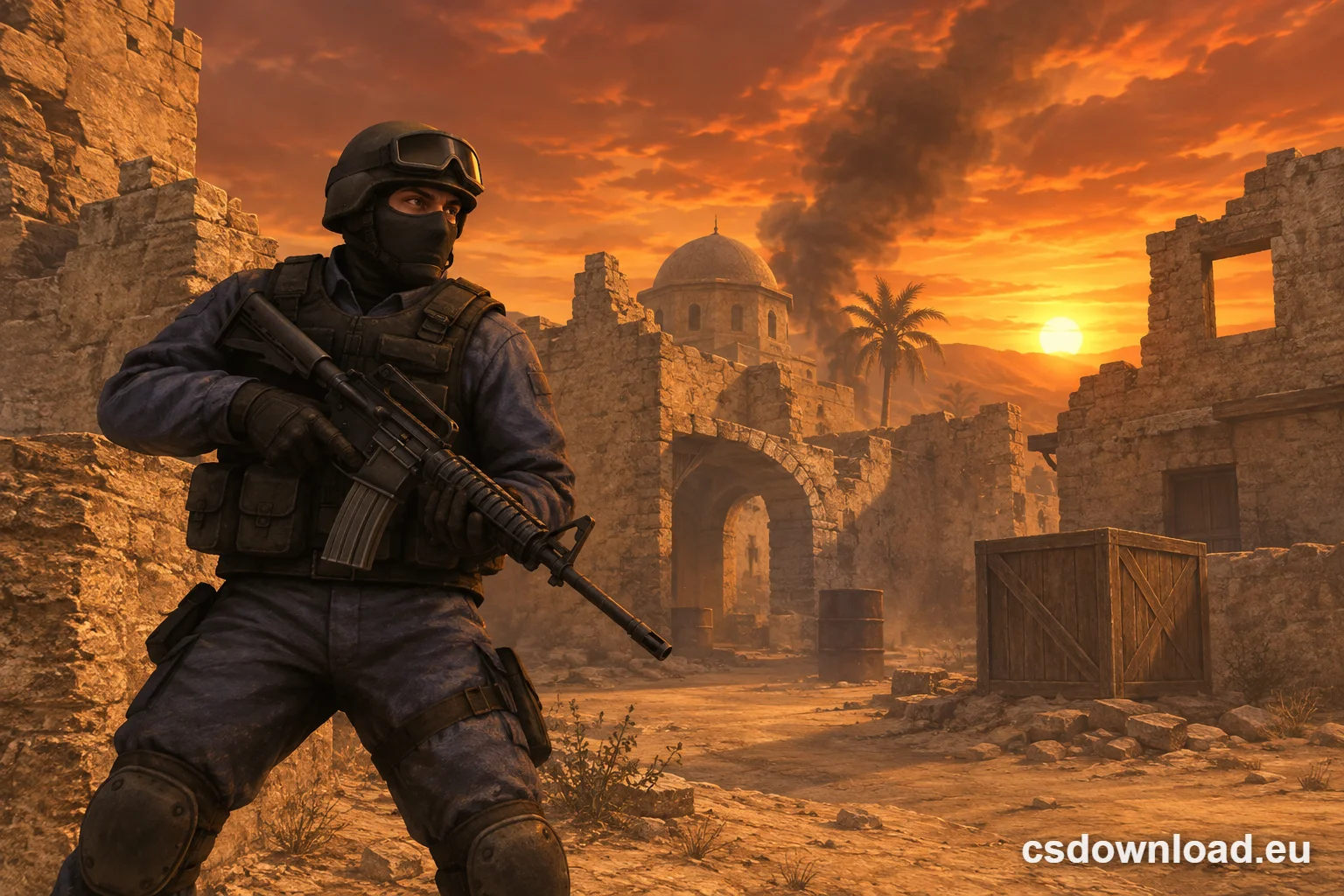
Download CS 1.6 Warzone CS 1.6 Warzone torrent
CS 1.6 Warzone download at a glance
| Edition | CS 1.6 Warzone |
|---|---|
| Installer size | about 177 MB |
| Game modes | Internet, LAN, offline with bots |
| Language | English |
| Windows | 7, 8.1, 10 and 11 |
| Price | Free |
What makes the Warzone edition different
Warzone is a fan build, not an official Valve release. Its changes are mostly visual and audio, so the core game stays untouched. Here is what you can expect from this edition:
- Its own theme. The main menu and background use the Warzone style instead of the default Valve look.
- Custom models and skins. Some weapons and player models are swapped for alternative versions.
- Different sounds. Several effects and menu sounds differ from the 2003 originals.
- Standard gameplay. Hitboxes, recoil and movement work like in any 1.6 build, so your aim carries over.
- Small footprint. The installer is barely larger than the original game.
Warzone or the original CS 1.6?
| Warzone | Original | |
|---|---|---|
| Look | Custom theme, models and skins | 2003 look |
| Sounds | Partly reworked | Original |
| Gameplay | Classic 1.6 | Classic 1.6 |
| Installer size | ~177 MB | ~176 MB |
| Best for | Players who want a new style | Purists and tournament fans |
Both builds join the same community servers. In addition, the file sizes are almost identical, so a CS 1.6 Warzone download takes no longer than the standard one. If you prefer the clean build, choose the original CS 1.6 download on our home page. You can also compare it with the XTCS edition, which focuses on sharper textures.
How to install after the CS 1.6 Warzone download
- Click Download CS 1.6 Warzone and save the installer.
- Run the file. On Windows 10 and 11, click More info → Run anyway if SmartScreen appears.
- Pick a simple folder such as
C:\Games\CS16-Warzoneinstead of Program Files. - Launch the game, set your nickname in Options → Multiplayer and open Find servers.
Stuck on a step? Our CS 1.6 installation guide covers each one in detail, together with common fixes.
Recommended settings for Warzone
First, open Options → Video and select the OpenGL renderer. Then set your monitor’s native resolution, because the custom skins look best when nothing is stretched. After that, tune your mouse settings and pick a clear crosshair. Your old config files work here too, so you can copy them from another 1.6 build.
Finally, remember that Valve still sells the official game. You can find it on the Counter-Strike page on Steam.
CS 1.6 Warzone download FAQ
Is the CS 1.6 Warzone download free?
Yes. You can get it without paying and without creating an account.
Can I play online with Warzone?
Yes. This edition uses standard 1.6 gameplay and connects to normal community servers. However, a few servers with strict file checks may reject custom models. In that case, switch to the original build.
Will Warzone run on an old PC?
Most likely, yes. Because the changes are mainly visual, any computer that handles regular CS 1.6 should also run this edition smoothly. So the CS 1.6 Warzone download is a good choice even for older laptops.
