

CS 1.6 XTCS Download – Final Release with HD Textures
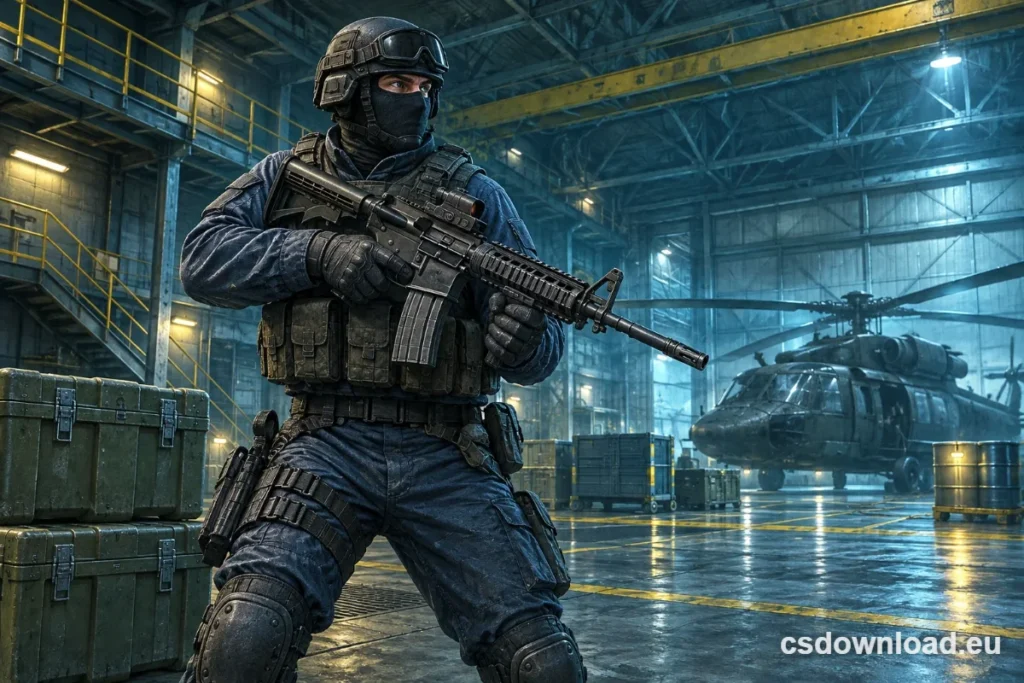
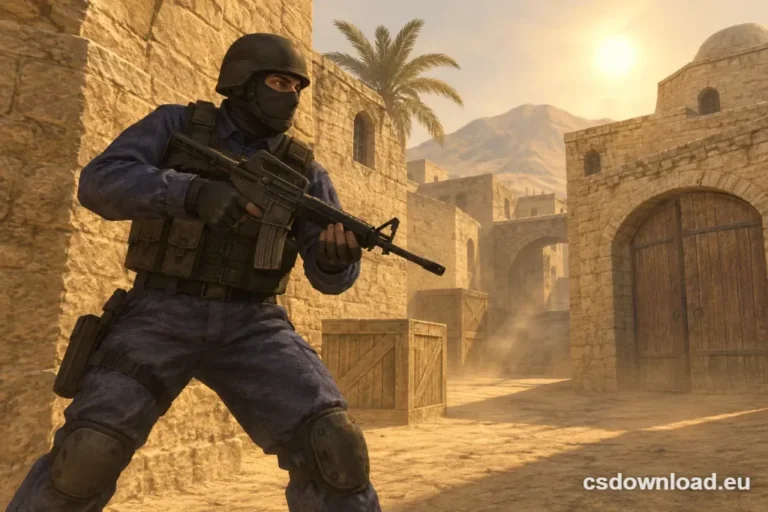
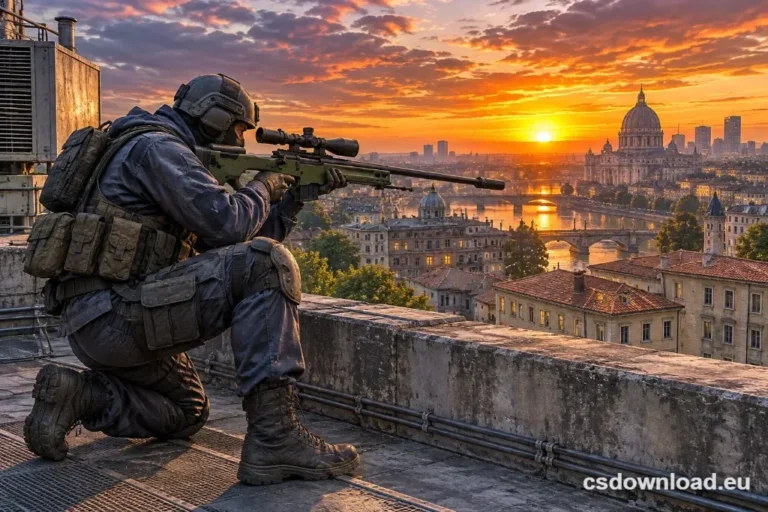
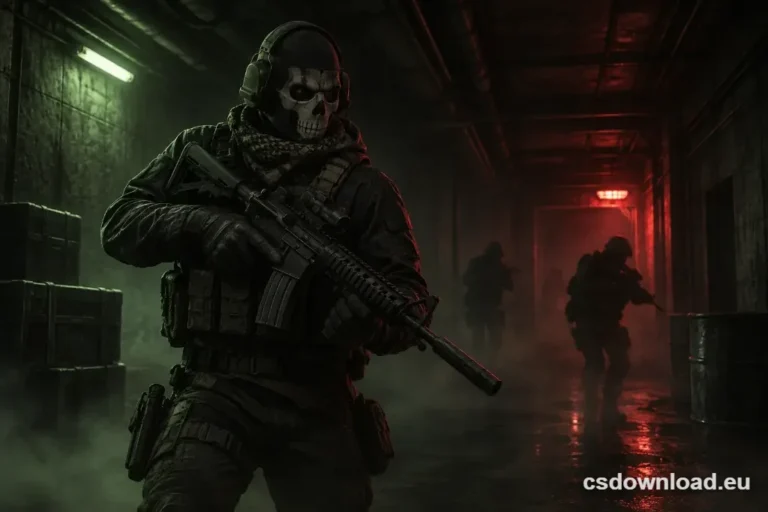
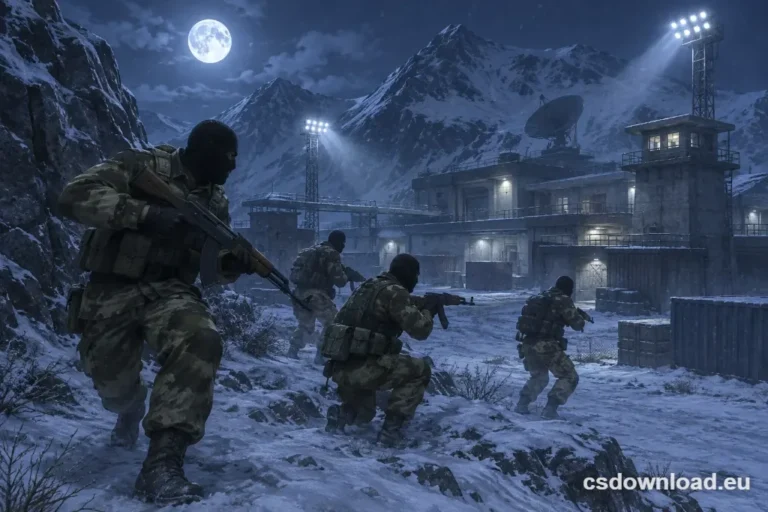
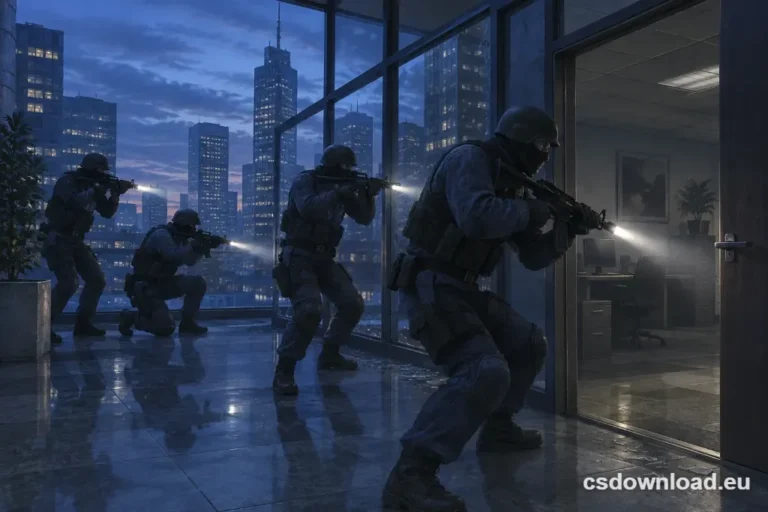
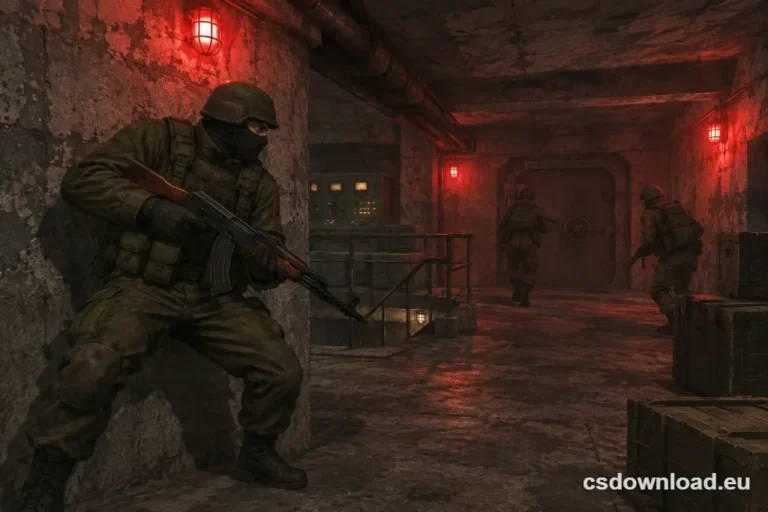
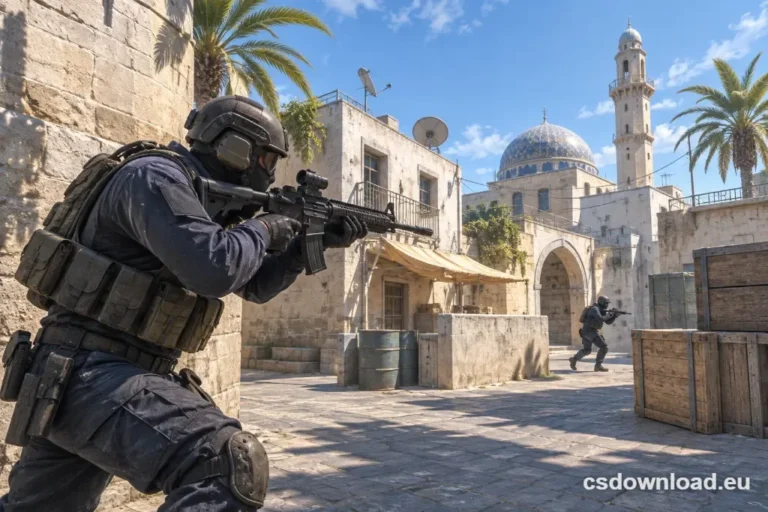
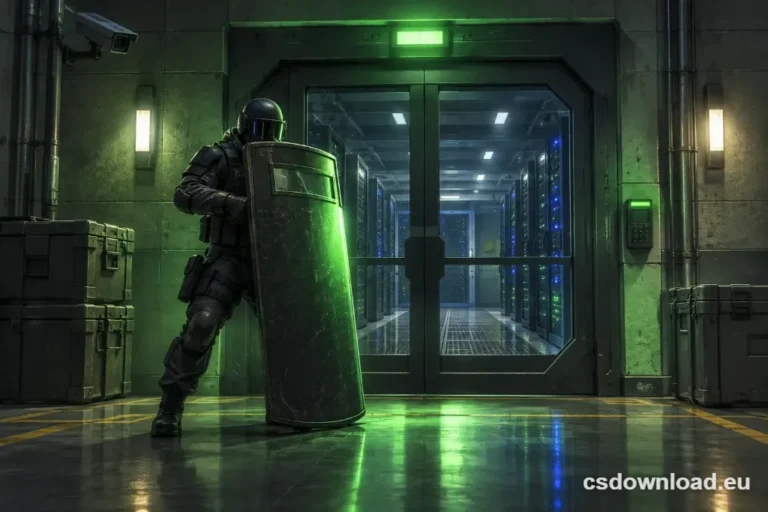
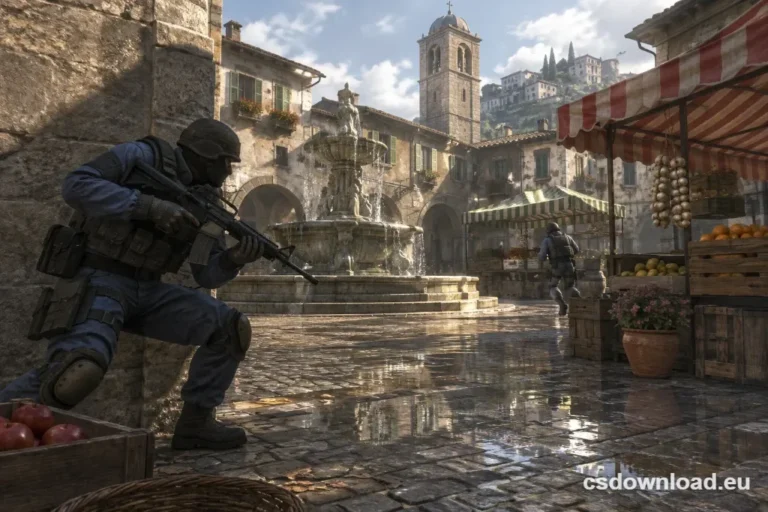
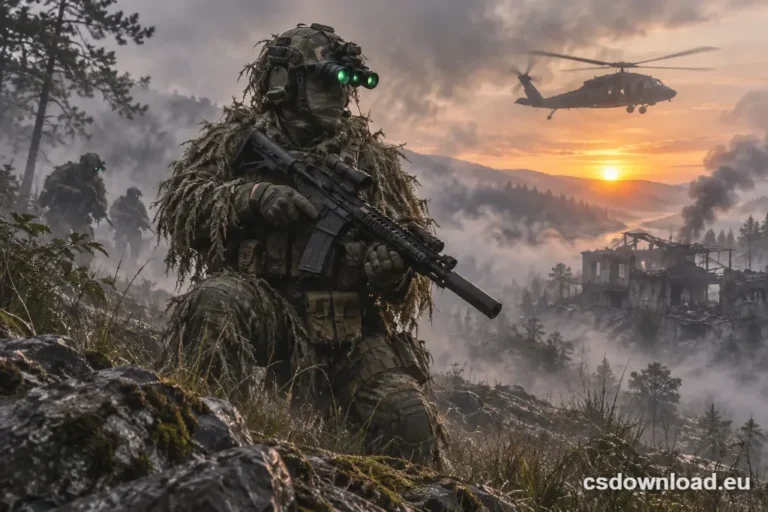
CS 1.6 XTCS is one of the most popular fan editions to download for Counter-Strike 1.6. It keeps the gameplay everyone knows – the same maps, the same weapon behaviour, the same servers – but gives the old engine a visual refresh: sharper textures, more detailed models and new sounds. If the original 1.6 looks too dated to you, XTCS is the easiest way to make it look fresher without changing how the game plays.
Get the XTCS setup XTCS torrent
CS 1.6 XTCS download at a glance
| Edition | XTCS Counter-Strike 1.6 Final Release |
|---|---|
| Installer size | about 198 MB |
| Game modes | Internet, LAN, offline with bots |
| Language | English |
| Windows | 7, 8.1, 10 and 11 |
| Price | Free |
What is different in XTCS
- Sharper textures. Walls, floors and props on the classic maps look cleaner, especially on larger monitors.
- Reworked weapon models. Rifles, pistols and knives have more detailed first-person models.
- New sounds. Gunshots and effects sound punchier than in the 2003 release.
- Redesigned menu and HUD. The main menu and in-game interface have their own XTCS look.
- Same gameplay. Recoil, movement and hitboxes are the standard CS 1.6 ones, so your skills carry over.
XTCS or the original CS 1.6?
| XTCS | Original | |
|---|---|---|
| Graphics | Updated textures and models | 2003 look |
| Sounds | Reworked | Original |
| Gameplay | Classic 1.6 | Classic 1.6 |
| Download size | ~198 MB | ~176 MB |
| Best for | Players who want a fresher look | Purists and very old PCs |
Both editions join the same community servers. If you want the cleanest possible build, choose the original CS 1.6 download on our home page instead.
How to install after the CS 1.6 XTCS download
- Click Download CS 1.6 XTCS and save the installer.
- Run the file. On Windows 10 and 11 click More info → Run anyway if SmartScreen appears.
- Install into a folder such as
C:\Games\CS16-XTCS, not Program Files. - Start the game, choose your nickname in Options → Multiplayer and open Find servers.
Our full CS 1.6 installation guide explains every step and the most common fixes.
Recommended settings for XTCS
Because the textures are more detailed, set your monitor’s native resolution and the OpenGL renderer in Options → Video. Then tune your mouse settings and crosshair as you would in any 1.6 build.
Valve still sells the official Counter-Strike 1.6 release – see the Counter-Strike page on Steam.
CS 1.6 XTCS download FAQ
Is CS 1.6 XTCS free?
Yes. The download is free, with no registration.
Can I play online with XTCS?
Yes. XTCS uses standard CS 1.6 gameplay and joins regular community servers. Some servers with strict file checks may ask for original models; in that case use the original build.
Does XTCS need a stronger PC?
Only slightly. Any computer that runs normal CS 1.6 smoothly will also run XTCS at 100 FPS.
