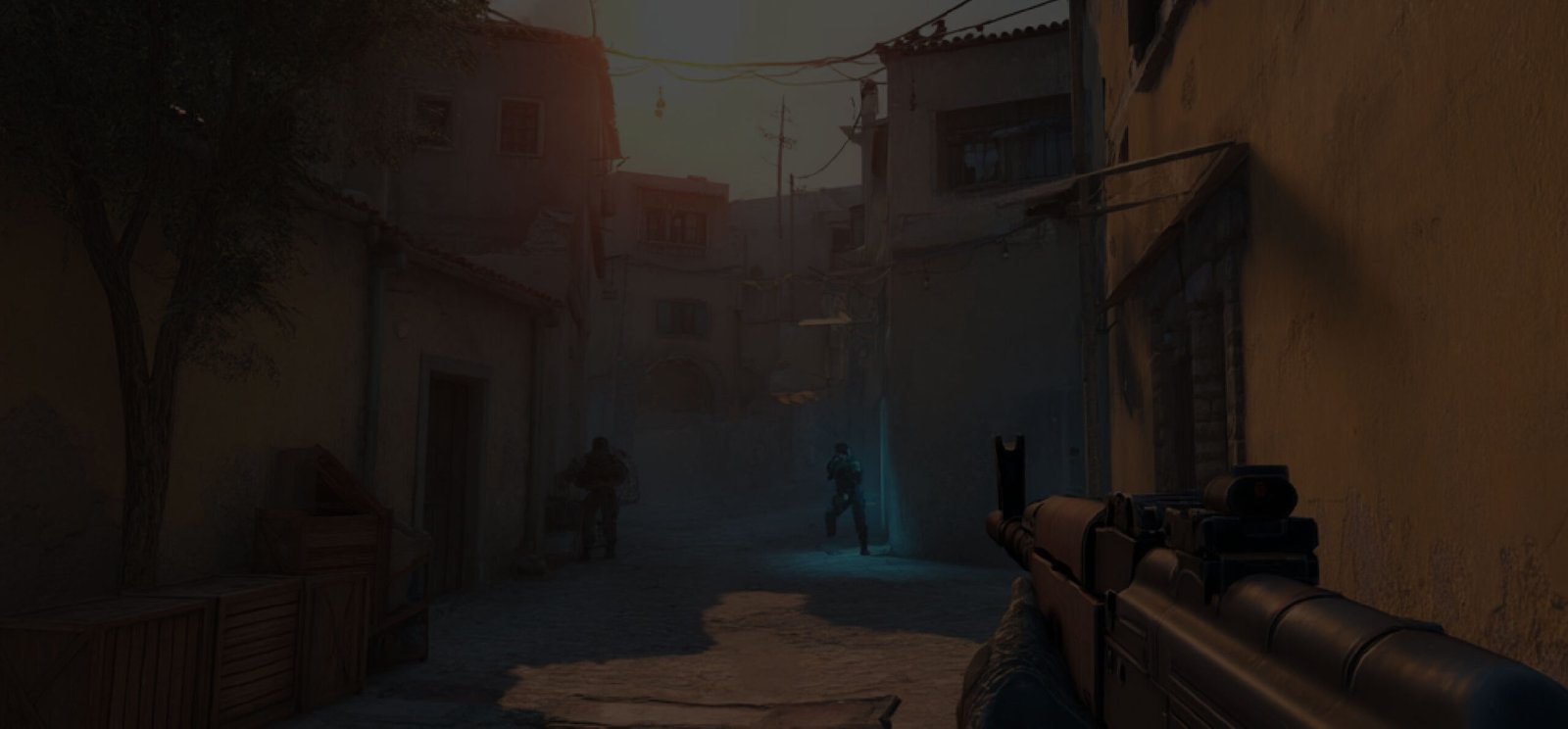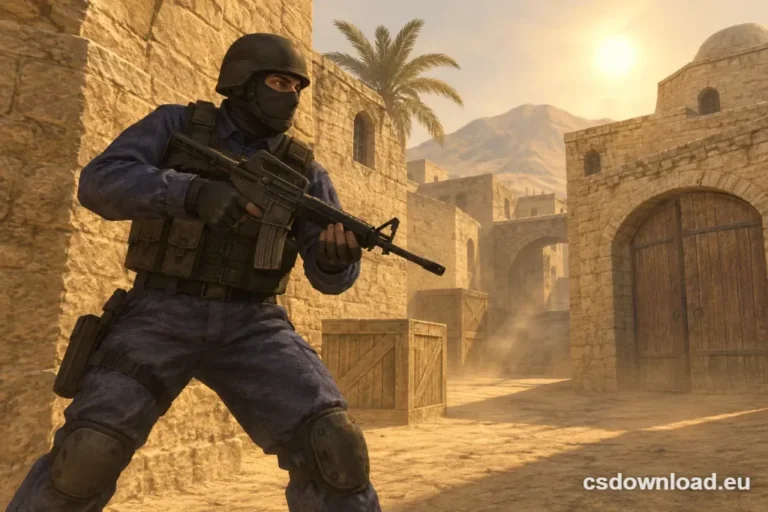



Get the clean, safe, fully working installation package
Why Choose Our Download
- 100% Clean Installation File – no viruses, spyware, or extras
- Compatible with All Windows Versions – Windows 7 to Windows 11
- Fast & Easy Setup – install in minutes
- Original Gameplay – no changes, no unwanted skins
- Multiplayer Ready – join servers or play with bots
- Tested by thousands of players across Europe
System Requirements
Works on all Windows versions
Minimum Requirements:
Windows 7
Processor: 800 MHz
RAM: 128 MB
Graphics: 32 MB
Disk Space: ~650 MB
Recommended Requirements:
Windows 10 / 11
Processor: 1.2 GHz+
RAM: 512 MB+
Graphics: 128 MB+ (OpenGL)
Disk Space: ~750 MB
How to Install
Step By Step
- Download the CS 1.6 setup file.
- Run the installer.
- Choose installation folder.
- Complete setup and launch the game.
CS 1.6 download: which file to choose
This CS 1.6 download page gives you two ways to get the same clean game. First, the direct setup is a single installer that you save in your browser and run straight away. Second, the torrent helps when your connection drops often, because a torrent client can pause and resume the transfer.
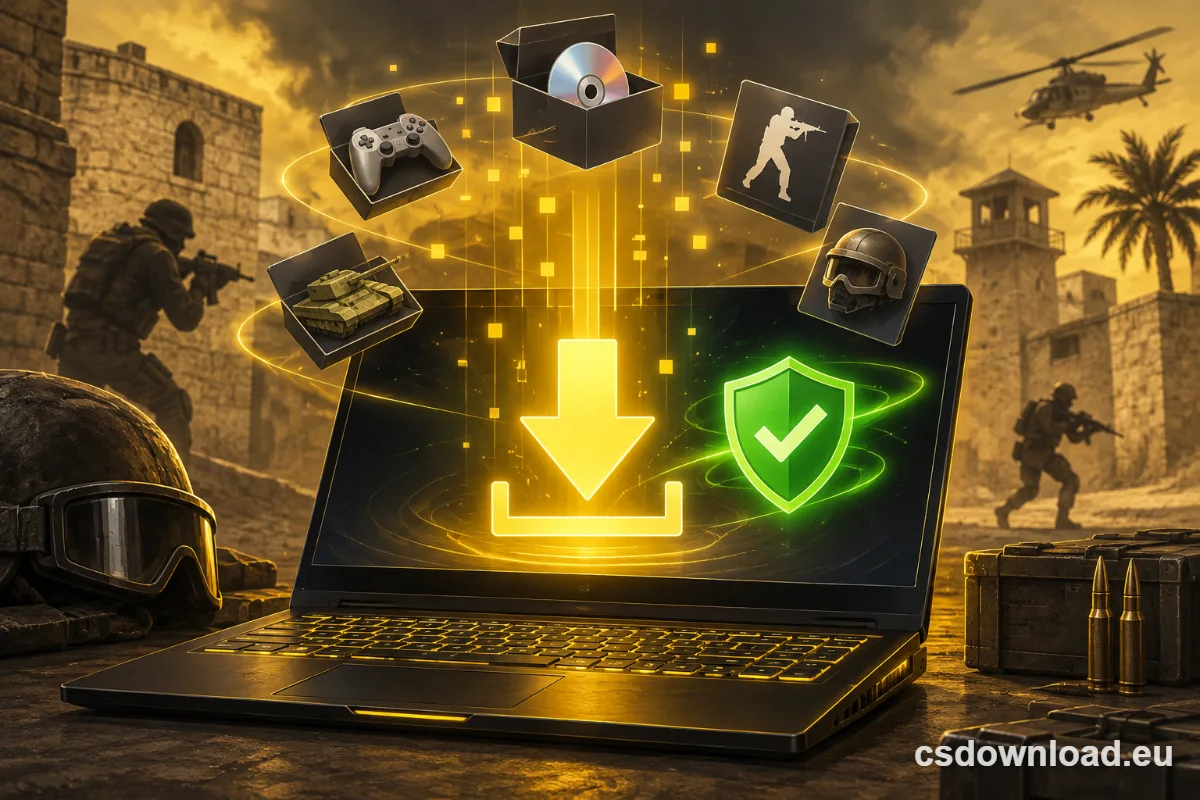
Both files install the classic Counter-Strike 1.6 with protocol 48, bots and a working server list. In other words, you get the same game either way, so simply pick the option that suits your connection.
Download setup Download via torrent
Is this CS 1.6 download safe?
Yes. We build and test the installer ourselves, and it contains only the game. For example, it adds no toolbar, no browser extension and no hidden binds that send you to other servers.
However, Windows may still show a SmartScreen message, because small game installers rarely carry an expensive code-signing certificate. In that case, click More info → Run anyway. Likewise, some antivirus tools mark any unknown .exe file as suspicious. If that happens, scan the file once more and check the result yourself.
To stay safe, always start the CS 1.6 download from the buttons on this site. Copies on random file hosts often contain changes, so they may hide adware or slowhack binds.
More CS 1.6 download options
Besides the standard setup, we also offer popular community editions. For instance, CS 1.6 XTCS Final Release adds sharper textures and new weapon models, while the classic build keeps the original look. You can also browse every model in the version slider at the top of the CSDownload.eu homepage.
Valve still sells the official release of Counter-Strike 1.6 – see the Counter-Strike page on Steam. Our non-steam setup, on the other hand, needs no account and works offline as well.
After the download: first steps
- First, run the setup and choose a folder outside Program Files, for example
C:\Games\Counter-Strike 1.6. - Then start the game from the desktop shortcut and set your player name in Options → Multiplayer.
- Next, adjust your mouse and crosshair. Our guides to crosshair settings and mouse settings help with that.
- Finally, open Find servers → Internet and join a server with a low ping.
For a full walkthrough with fixes for common problems, read our guide on how to install CS 1.6 on Windows 11 and 10.
Frequently asked questions
How big is the CS 1.6 download?
The installer is compressed, so the file is smaller than the game itself. After installation, Counter-Strike 1.6 takes about 650 MB of disk space. As a result, even a slow connection finishes the download quickly.
Do I need Steam to play?
No. This is a non-steam build, so it runs without the Steam client and without an account.
Does it work on Windows 11?
Yes. In addition, it runs on Windows 10, 8.1 and 7, both 32-bit and 64-bit. If you see a black screen, switch the video mode to OpenGL.
Can I play with bots offline?
Of course. Start a New Game, pick a map and add bots. If you want to sharpen your skills first, try our CS 1.6 aim training routine.