






CS 1.6 Key Binds – Useful Binds Every Player Should Use
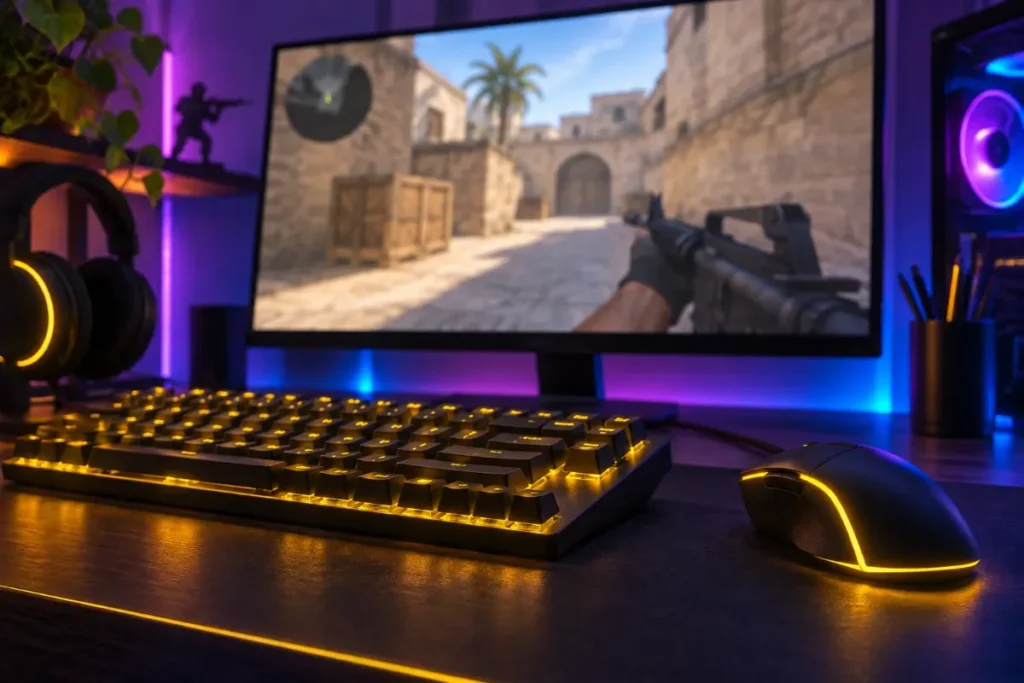
Binds are shortcuts that run one or more console commands when you press a key. In Counter-Strike 1.6 good binds save precious seconds at the start of a round and let you focus on the fight instead of the buy menu. Below are the most useful CS 1.6 binds, ready to copy into the console or a config file.
How binds work
The basic syntax is:
bind "key" "command"
For example, bind "f" "+use" makes the F key open doors and pick up hostages. Several commands can be joined with a semicolon: bind "x" "command1; command2". To remove a bind, use unbind "key".
Open the console with the ~ key, paste a bind and press Enter. It is saved when you leave the game normally.
Buy binds
Buy binds purchase equipment with one key press. The commands below use the CS 1.6 buy aliases, which work from the moment the buy time starts.
| Key | Bind | What it buys |
|---|---|---|
| F1 | bind "F1" "vesthelm" |
Kevlar + helmet |
| F2 | bind "F2" "ak47; m4a1" |
AK-47 as T, M4A1 as CT |
| F3 | bind "F3" "awp" |
AWP |
| F4 | bind "F4" "deagle" |
Desert Eagle |
| F5 | bind "F5" "hegren; flash; sgren" |
HE, flashbang and smoke |
| F6 | bind "F6" "defuser" |
Defuse kit (CT only) |
| F7 | bind "F7" "primammo; secammo" |
Full ammo for both weapons |
Because a Terrorist cannot buy an M4A1, the F2 bind simply buys whichever rifle your team can use.
Grenade binds
Switching to a grenade with the number keys takes time. These binds select a grenade instantly:
bind "MOUSE4" "weapon_flashbang"– flashbangbind "z" "weapon_hegrenade"– HE grenadebind "c" "weapon_smokegrenade"– smoke grenade
Z and C are used for radio commands by default; if you use radio often, pick other keys such as MOUSE5 or the number keys.
Quick switch
Pressing Q swaps to your previous weapon by default (lastinv). It is perfect for AWP players: shoot, press Q twice and the scope resets instantly.
bind "q" "lastinv"
Jump with the mouse wheel
Many players use the mouse wheel for jumping because it makes bunny hops and long jumps easier:
bind "MWHEELDOWN" "+jump"
Keep Space bound to jump as well, so you have both options.
Useful information binds
bind "F8" "net_graph 3"– shows FPS, ping, loss and choke.bind "F9" "net_graph 0"– hides the graph again.bind "F10" "snapshot"– saves a screenshot of the scoreboard or a funny moment.bind "TAB" "+showscores"– the scoreboard (default).
Voice and chat
bind "k" "+voicerecord"– push-to-talk.bind "y" "messagemode"– chat to everyone.bind "u" "messagemode2"– team chat.
Binds to avoid
Some binds found on the internet are considered cheating or are blocked by servers: scripts that fire automatically, “no-recoil” aliases or binds that change rates in the middle of a fight. Many servers kick or ban players for them. Stick to binds that only save time, like the ones above.
Saving your binds permanently
Create a file called userconfig.cfg in the cstrike folder of your game and paste all your binds into it, one per line. Counter-Strike 1.6 runs this file every time it starts, so your binds survive even if config.cfg is reset. Keep a copy of the file somewhere safe before you reinstall the game.
FAQ
Do binds work on every server?
Normal binds that only press keys or buy items work everywhere. Some servers block certain commands, such as rate changes.
How do I reset all binds?
Type unbindall in the console, then go to Options → Keyboard and click Use defaults.
Can I bind mouse side buttons?
Yes. They are called MOUSE4 and MOUSE5 in the console.
Next: set up your CS 1.6 crosshair and learn the best weapons to buy.
