



CS 1.6 Maps Download – How to Install New Maps
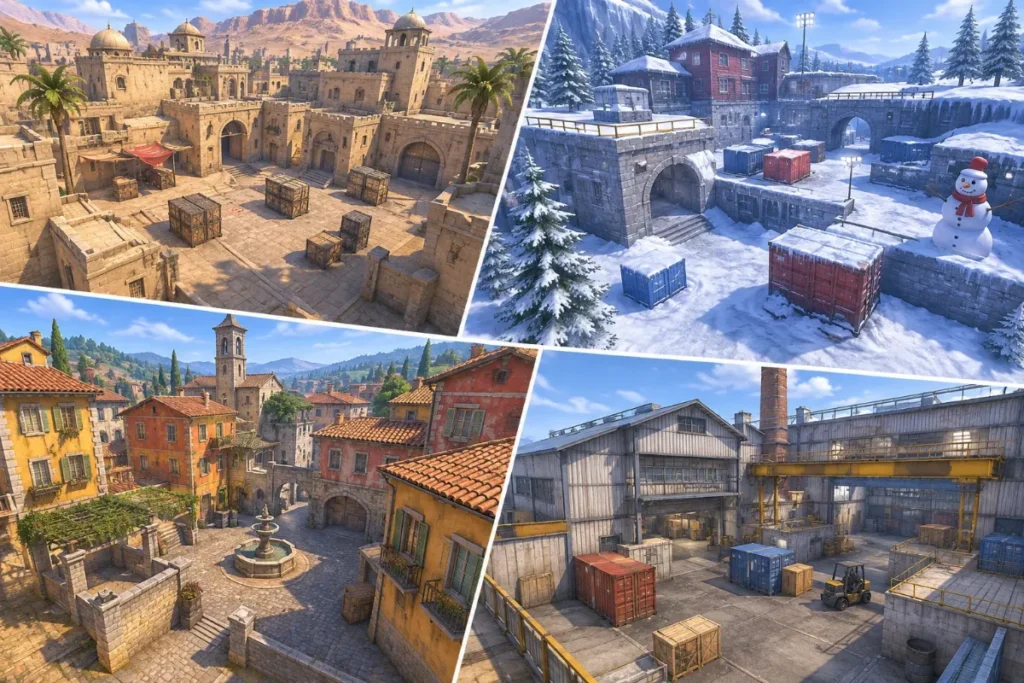
One of the best things about Counter-Strike 1.6 is the huge number of community maps. Besides the classics, there are thousands of aim maps, fun maps, surf, jump and zombie maps. This guide explains how a CS 1.6 map download works, where the files go and how to play a new map right away.
Do you even need to download maps?
Usually not. When you join a server that runs a map you do not have, the game downloads it automatically. You only need to install maps manually when:
- you want to play a map offline with bots or friends on LAN,
- the server’s download speed is very slow,
- you want to practise on a map before playing it online.
Map file types
| File | Folder | What it is |
|---|---|---|
.bsp |
cstrike/maps |
The map itself. This file is always required. |
.wad |
cstrike |
Texture packs used by some maps. |
.res |
cstrike/maps |
A list of extra files the map needs. |
.txt |
cstrike/maps |
Map description shown when you join. |
.nav |
cstrike/maps |
Bot navigation file, lets bots move on the map. |
| models, sound, sprites, gfx | matching folders in cstrike |
Custom models, sounds and sky textures. |
How to install a CS 1.6 map – step by step
- Download the map archive (usually .zip or .rar) and extract it to a temporary folder.
- Open your game folder, for example
C:\Games\Counter-Strike 1.6\cstrike. - If the archive contains folders like
maps,soundandmodels, copy them straight intocstrikeand confirm merging. - If it only contains a
.bspfile, put it incstrike/maps. Put any.wadfiles directly incstrike. - Start the game. The new map now appears in the New Game map list.
Play the new map quickly from the console
Open the console with ~ and type the map name without the extension:
map awp_india
The map loads immediately as a local game. Add bots with bot_add or practise alone.
Popular map types
- Aim maps (aim_map, aim_headshot) – small arenas for practising duels.
- AWP maps (awp_india, awp_map) – sniper fights across an open field.
- Fun maps (fy_snow, fy_pool_day) – random weapons on the ground and fast rounds.
- Surf and jump maps – movement skills instead of shooting.
- Zombie maps (zm_dust_world) – built for Zombie mod servers.
- Deathrun maps – one player triggers traps while the others run an obstacle course.
Where to download maps safely
Download maps from large, well-known community sites such as GameBanana, which lets users comment on and rate every upload. Avoid maps packed as .exe installers: a real map never needs an executable file. Check that the archive only contains files like .bsp, .wad, .mdl, .wav and .spr.
Fixing map problems
“Map not found”
The .bsp file is not in cstrike/maps, or the name you typed is different from the file name.
“Could not load WAD file”
A texture file is missing. Find the .wad named in the error and put it in the cstrike folder.
Bots stand still on a custom map
The map has no .nav file. The game creates one automatically the first time you add bots; wait a minute while it analyses the map.
Purple and black textures
A texture is missing from the WAD files. Re-download the full map package.
FAQ
Can custom maps give me a virus?
Map files themselves cannot run code. The risk comes from archives that include executable files, so never run an .exe from a map download.
Where are maps downloaded from servers stored?
Usually in cstrike_downloads/maps or cstrike/maps, depending on the game build.
Don’t have the game yet? See how to install CS 1.6, or read about the classic maps in our CS 1.6 history article.
