





CS 1.6 LongHorn PRO – Free Download for Windows
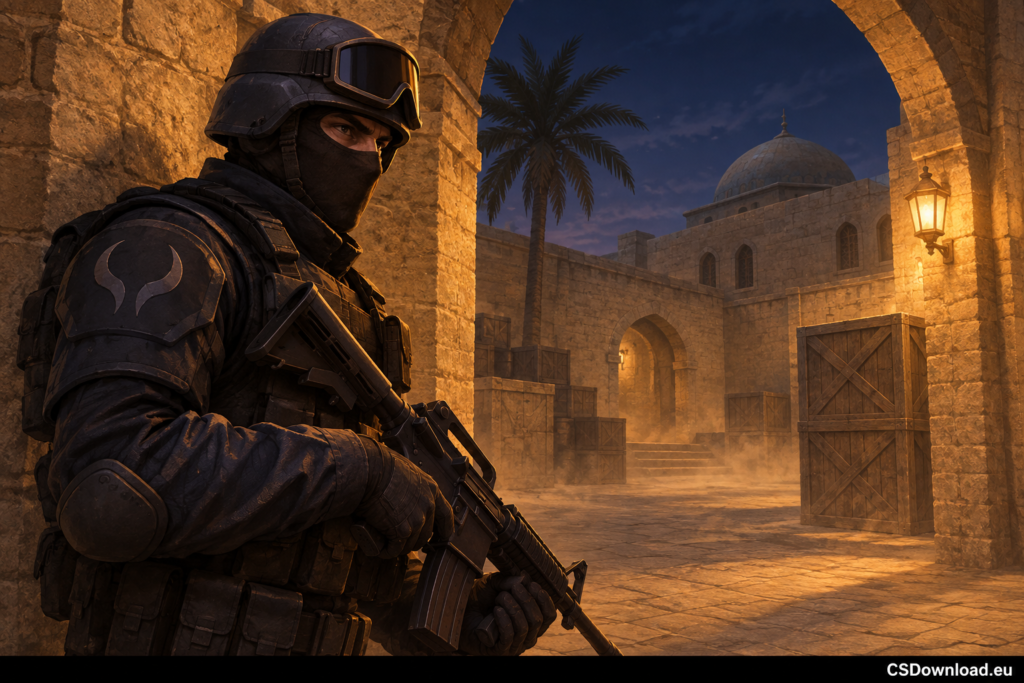
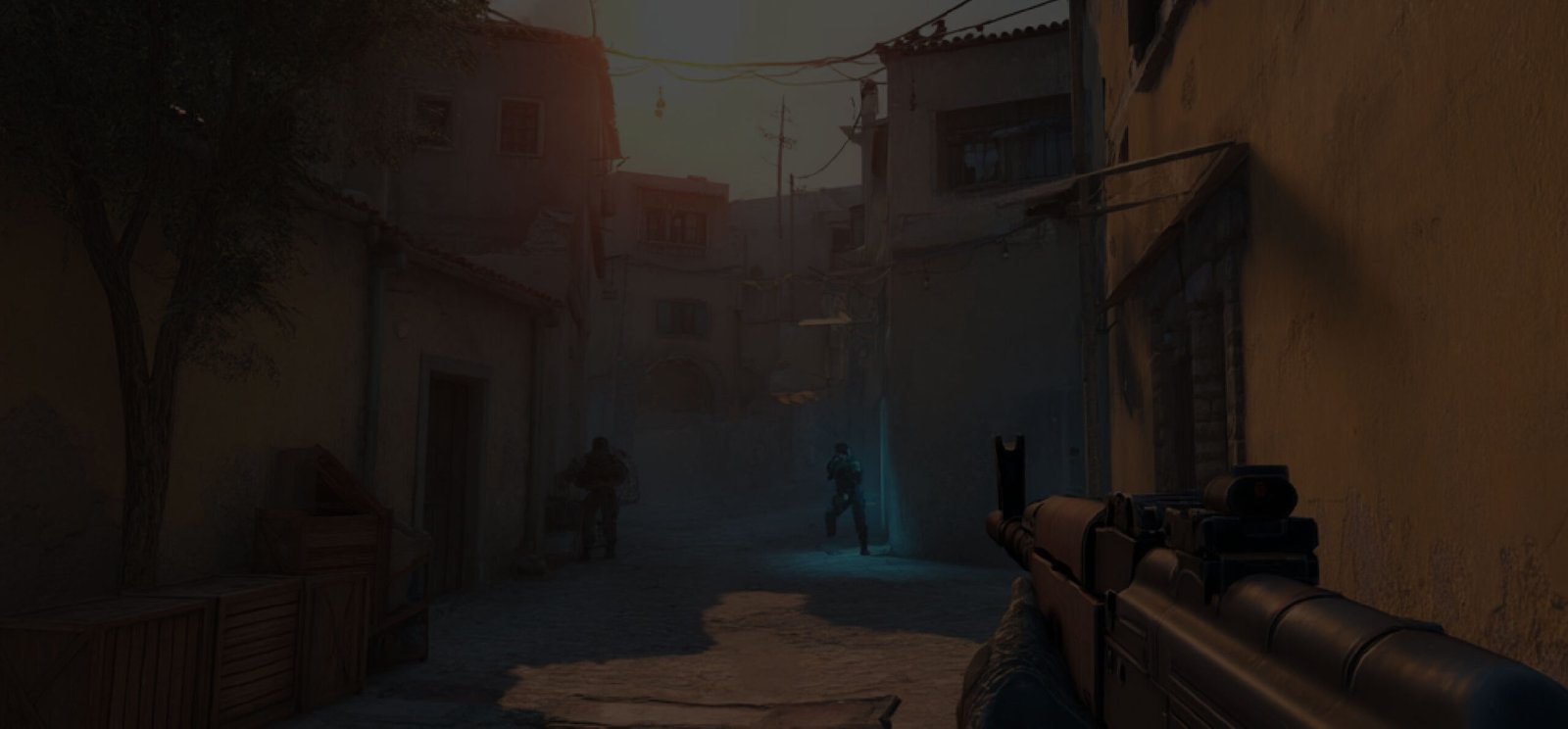
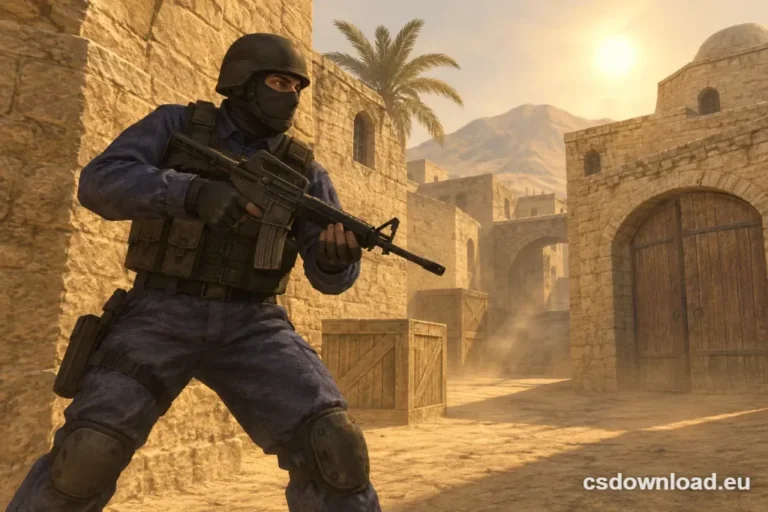
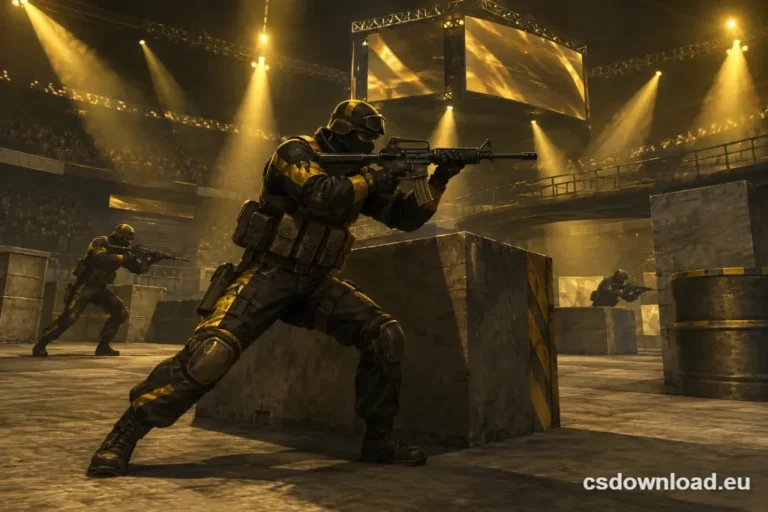
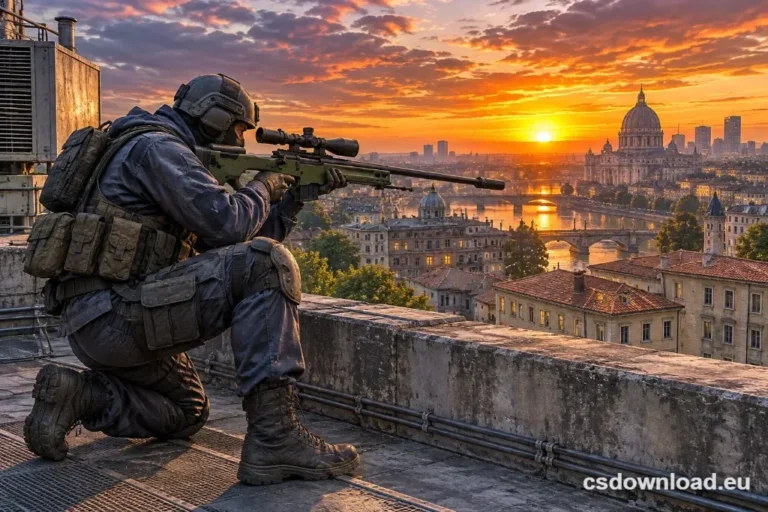
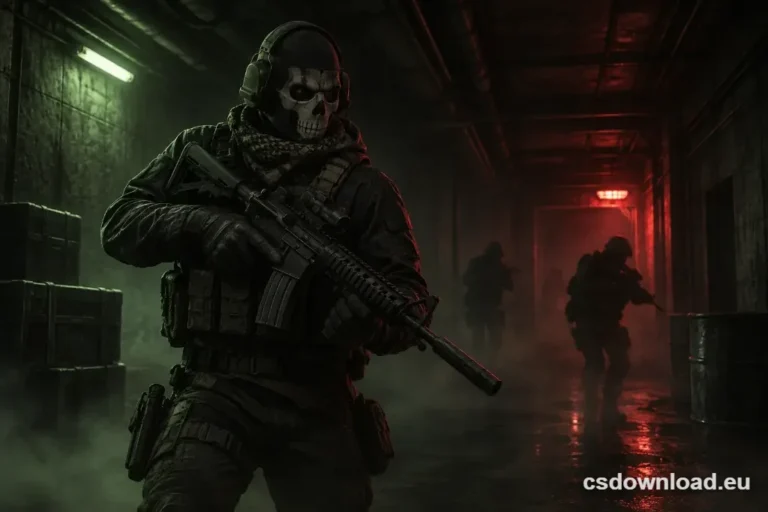
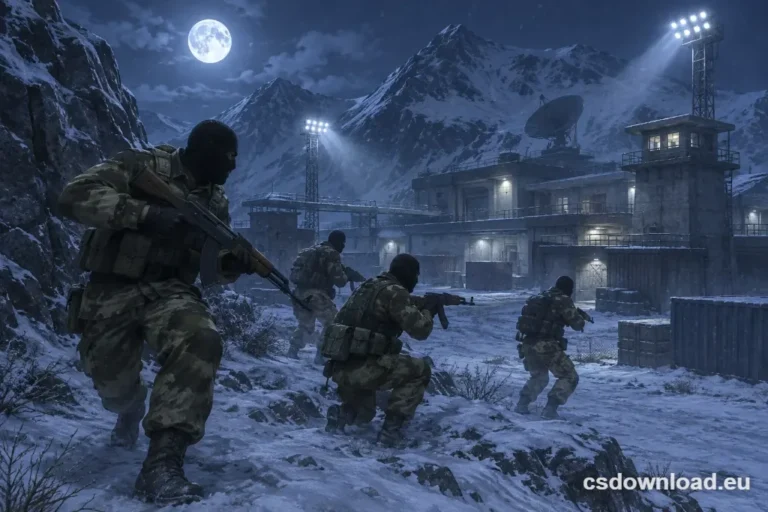
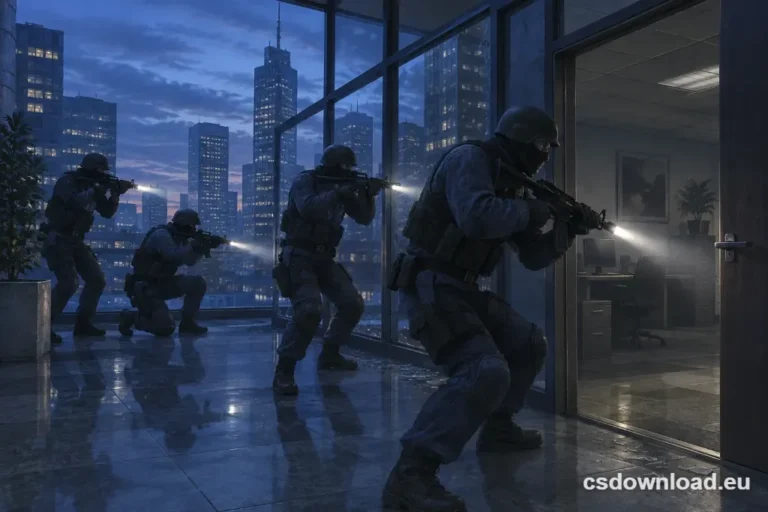
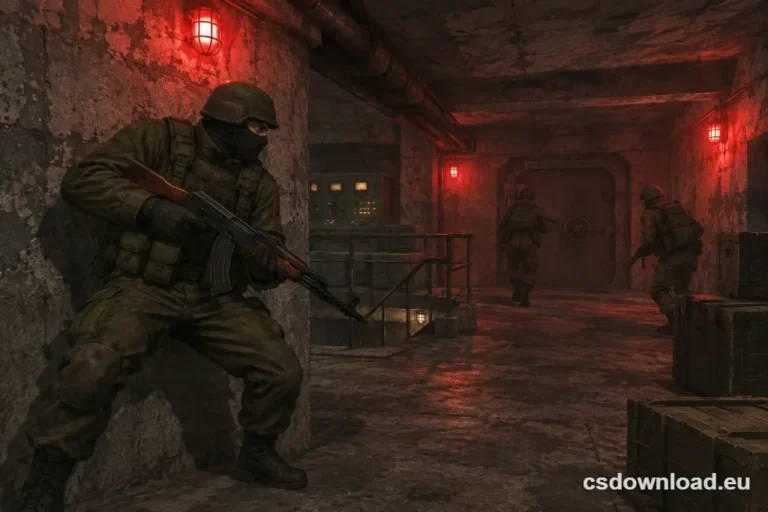
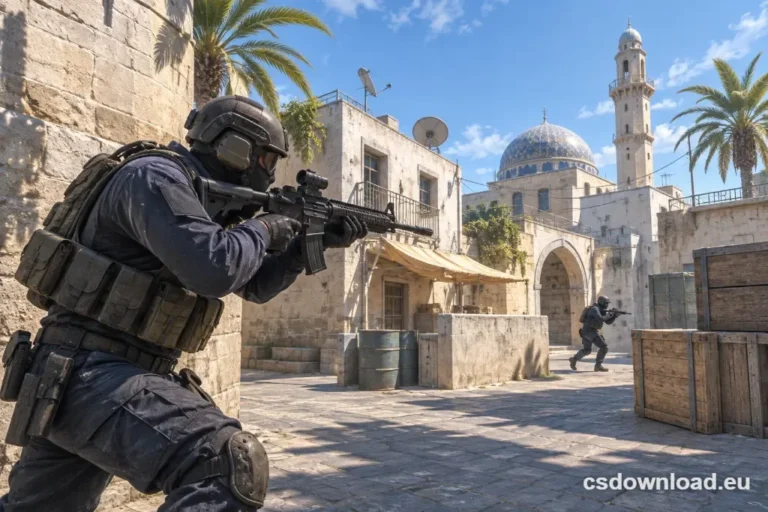
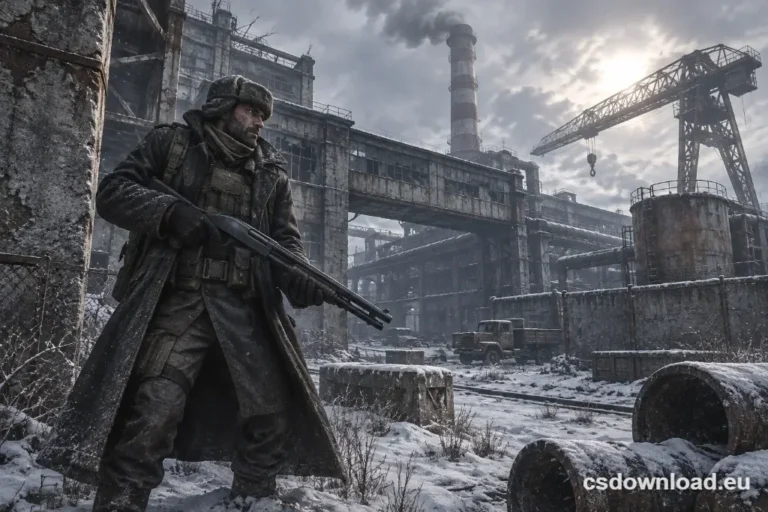
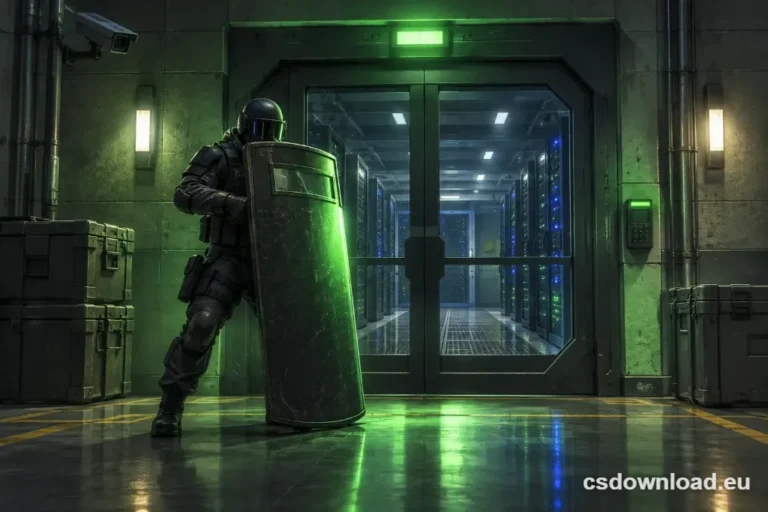
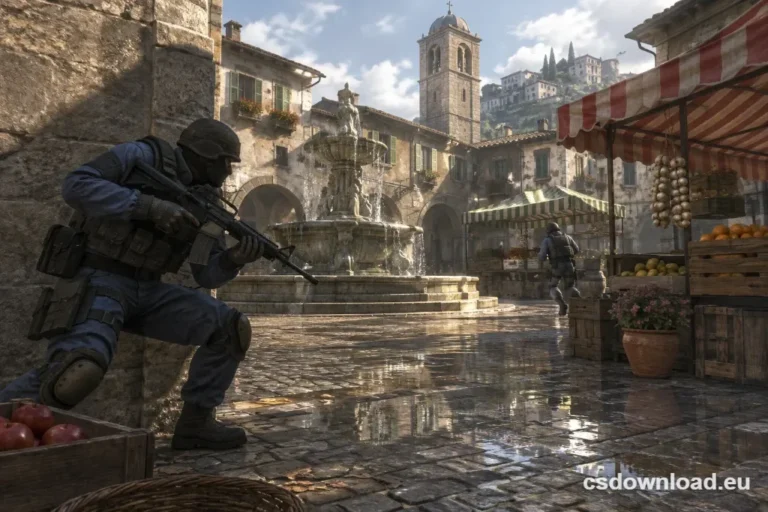
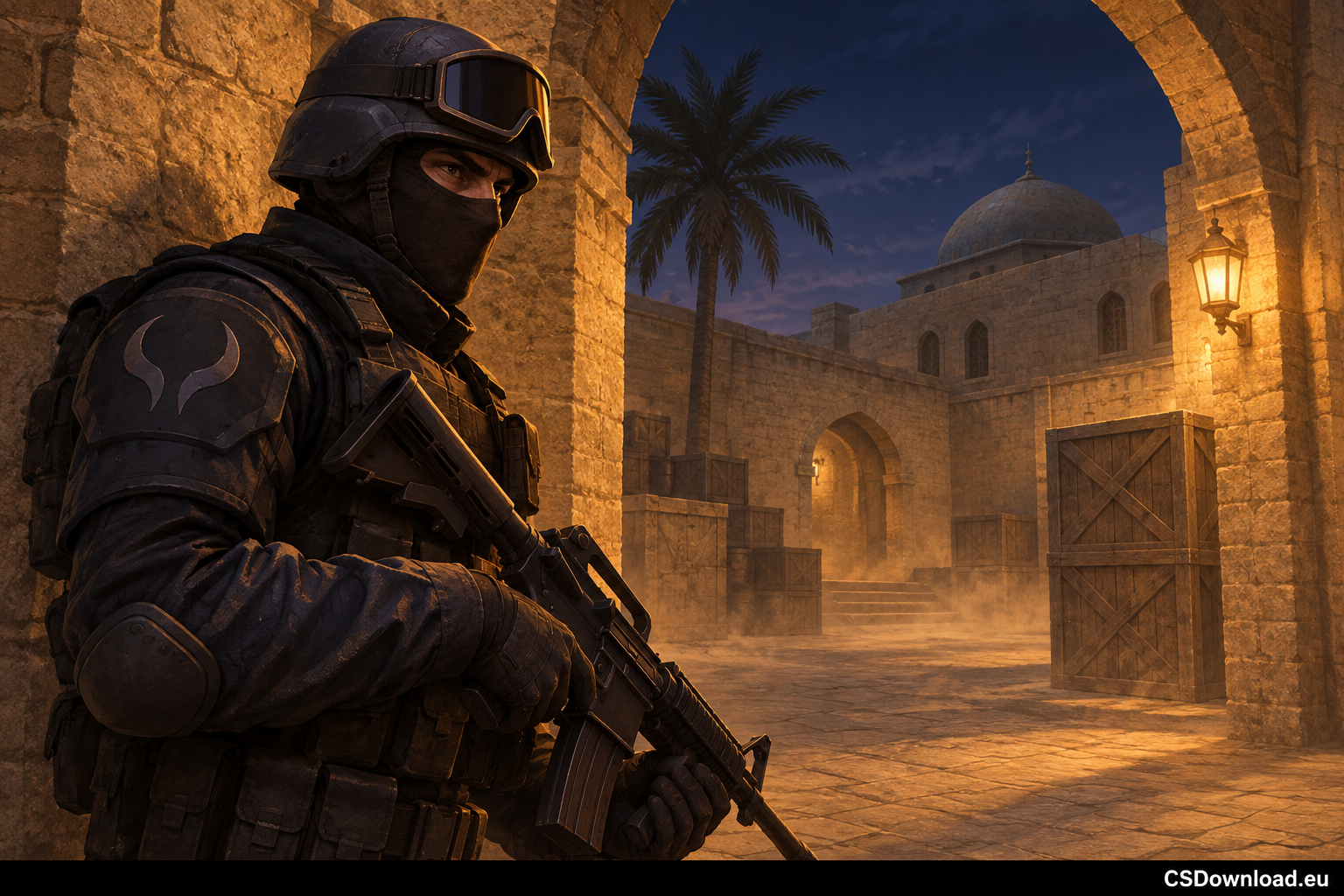
CS 1.6 LongHorn PRO is a fan-made edition of Counter-Strike 1.6 that wraps the classic game in a darker, more polished style. Under the new menu and skins you still get the familiar maps, the same recoil and the usual community servers. The installer weighs about 244 MB, so it arrives quickly even on a slow line. If you love how 1.6 plays but find the stock look a little plain, this build is worth a try.
Download CS 1.6 LongHorn PRO LongHorn PRO torrent
CS 1.6 LongHorn PRO at a glance
| Edition | LongHorn PRO, a fan edition of Counter-Strike 1.6 |
|---|---|
| Installer size | about 244 MB |
| Game modes | Internet, LAN and offline with bots |
| Language | English |
| Windows | 7, 8.1, 10 and 11 |
| Price | Free |
What makes this edition different
Most of the changes are visual, while the core of the game stays untouched. In short, this edition changes how 1.6 looks and sounds, not how it plays.
- A theme of its own. The main menu, backgrounds and loading screens share one LongHorn style instead of the plain 2003 interface.
- Fresh skins. Many guns and characters wear redesigned textures that fit the darker LongHorn look.
- A new soundscape. Clicks in the menu and a number of in-game effects have a sharper, more modern tone.
- Familiar handling. Spray patterns, strafing and hit registration behave exactly as you know them, so nothing you have practised goes to waste.
Keep in mind that the exact set of skins can vary between builds. For that reason, we describe the changes in general terms rather than promising a fixed list.
How it compares with the original game
| LongHorn PRO | Original 1.6 | |
|---|---|---|
| Look | Custom theme and menu | 2003 interface |
| Models and skins | Partly replaced | Stock |
| Gameplay | Classic 1.6 | Classic 1.6 |
| Installer | ~244 MB | ~176 MB |
| Good choice for | Players who want a fresh style | Purists and the weakest PCs |
Server-side, nothing changes: a friend on the stock game and you on LongHorn PRO can share one match without trouble. If you would rather have the untouched game, take the original CS 1.6 download from our home page.
How to install CS 1.6 LongHorn PRO
- Press the download button above and save the setup file. If the browser download keeps breaking, use the torrent link instead.
- Double-click the installer. A blue SmartScreen warning is normal for fan builds; continue with More info → Run anyway.
- Pick a short path such as
C:\Games\CS16-LongHorn-PRO. Avoid Program Files, because Windows may block config changes there. - Use the new desktop shortcut, type your player name in the multiplayer options, then browse the server list and join a game.
If the game refuses to start or shows a black screen, our step-by-step CS 1.6 install guide explains the usual errors and how to solve them.
Recommended settings for CS 1.6 LongHorn PRO
Start in the video menu: the OpenGL renderer and your screen’s native resolution give the sharpest picture. Next, type fps_max 100 in the console so the frame rate stays steady. After that, fine-tune your aim with our mouse settings guide. Finally, choose a crosshair colour that stands out well; the crosshair settings page lists a few proven setups.
Fan editions are unofficial, of course. The original game is still sold by Valve on the Counter-Strike Steam page.
CS 1.6 LongHorn PRO FAQ
Is CS 1.6 LongHorn PRO free?
Yes. You can download and play it at no cost, and no account or registration is needed.
Can I join normal servers with it?
Yes. Public community servers treat it like any other 1.6 client. Only rare servers that enforce original files might kick you for the modified skins, and there the stock version from our home page is the simple fix.
Will it run on an old computer?
In most cases, yes. The new textures add very little load to the GoldSrc engine. Therefore, an office laptop or an older desktop should keep a steady 100 FPS here too.